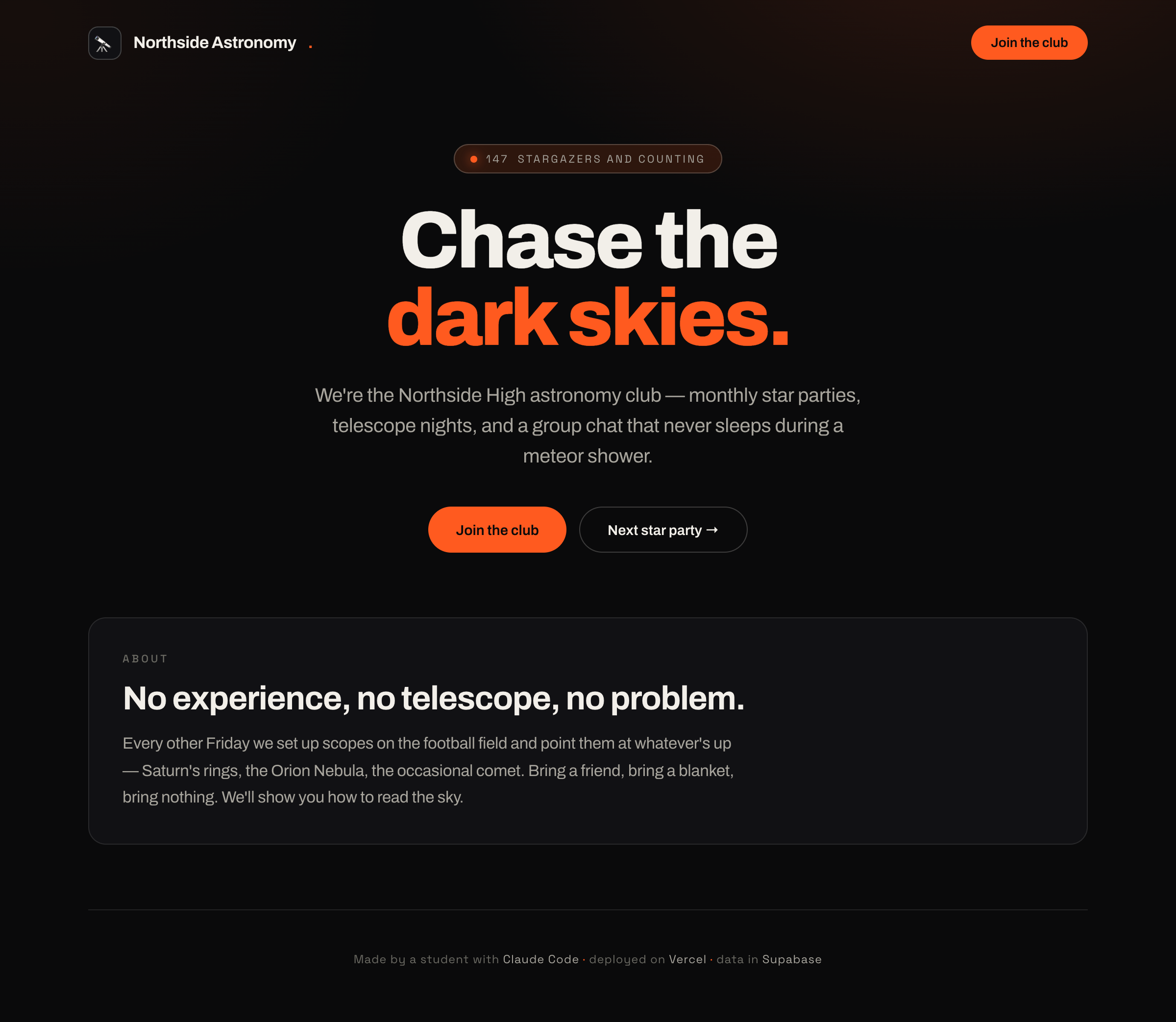
"It's actually online" is the dopamine that carries the whole course. Do not delay this.
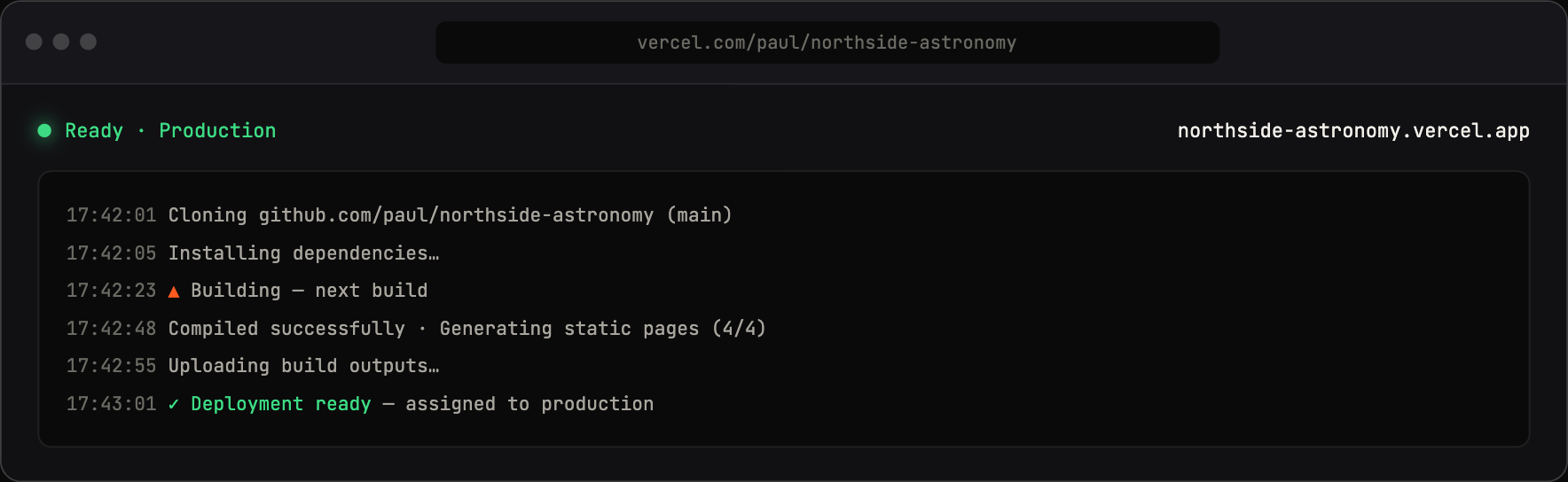
A push to GitHub becomes a live site in seconds — that feedback loop is the magic.
Concepts
- A website is just files a server hands to a browser.
- Deploying = putting those files on a computer that's always on, with a public address.
- Vercel is a free host that does this for you. GitHub is where your code lives and what Vercel watches.
- You'll use a framework (Next.js) but don't explain it yet — "it's the project skeleton Claude set up; we'll open the hood later."
Talking points
- Today your club site goes live on the real internet.
- Code lives on GitHub; Vercel turns it into a website automatically.
- Push a change → the live site updates in seconds. That feedback loop is the magic.
- "Localhost" = the practice version only you can see. The Vercel URL = the real one.
Live demo (I do)
- Have Claude Code scaffold a Next.js app and run it locally; open
localhost:3000. - Connect the project to GitHub (Claude can walk through it).
- Import the repo into Vercel → first deploy → open the live URL on your phone for drama.
- Change one line of text, push, watch the live site update.
Student activity (you do)
Each student personalizes the landing page for their club: name, tagline, colors, a hero section, an "About" blurb. Goal: a live URL by end of session.
Copy-paste prompts
Create a new Next.js app for a club landing page. I want a hero
section with the club name and tagline, an About section, and a
footer. Use clean, modern styling. Get it running locally and tell
me the exact steps to see it in my browser.
Help me put this project on GitHub and then deploy it to Vercel.
Walk me through each step one at a time and wait for me to confirm
before moving on. Assume I've never used GitHub or Vercel before.
Change the club name to "[their club]", the colors to [colors], and
the tagline to "[tagline]". Then show me how to push this so the
live site updates.
Where it breaks
- OAuth pop-ups blocked on school networks/browsers — test in advance (Module 0).
- Node version too old. This only bites you on the npm install path:
npm install -g @anthropic-ai/claude-codeneeds Node 18+, so if you install Claude Code that way, install the current Node LTS first. The now-recommended install is the native installer (curl -fsSL https://claude.ai/install.sh | bash) or Homebrew/WinGet, which need no Node at all. Either way, pre-install on lab machines. (Source: https://code.claude.com/docs/en/setup) - Vercel Hobby is non-commercial. Fine for class projects; tell students not to put ads/sell things on it.
- Build fails on deploy but worked locally. Classic. Teach the reflex: copy the red error text, paste it to Claude, ask "why did the Vercel build fail and how do I fix it?"
Check for understanding
- What's the difference between localhost and your Vercel URL?
- What's GitHub's job vs. Vercel's job?
- After you change code, what has to happen for the live site to update?
Stretch
Add a second page (e.g., /events) and a nav link to it. Ask Claude how routing works in one paragraph.
For the instructor
This is the highest-risk module for setup friction and the highest-reward for morale. Budget extra time. If accounts/network are shaky, fall back to instructor-piloted: you deploy one site live, then each student personalizes via your station. Getting one real URL on screen still lands the hook.