In 20 minutes they'll make a computer do something they asked for in plain English. That's the hook. The goal of this module: students experience the describe → generate → run → refine loop and learn what Claude Code is.
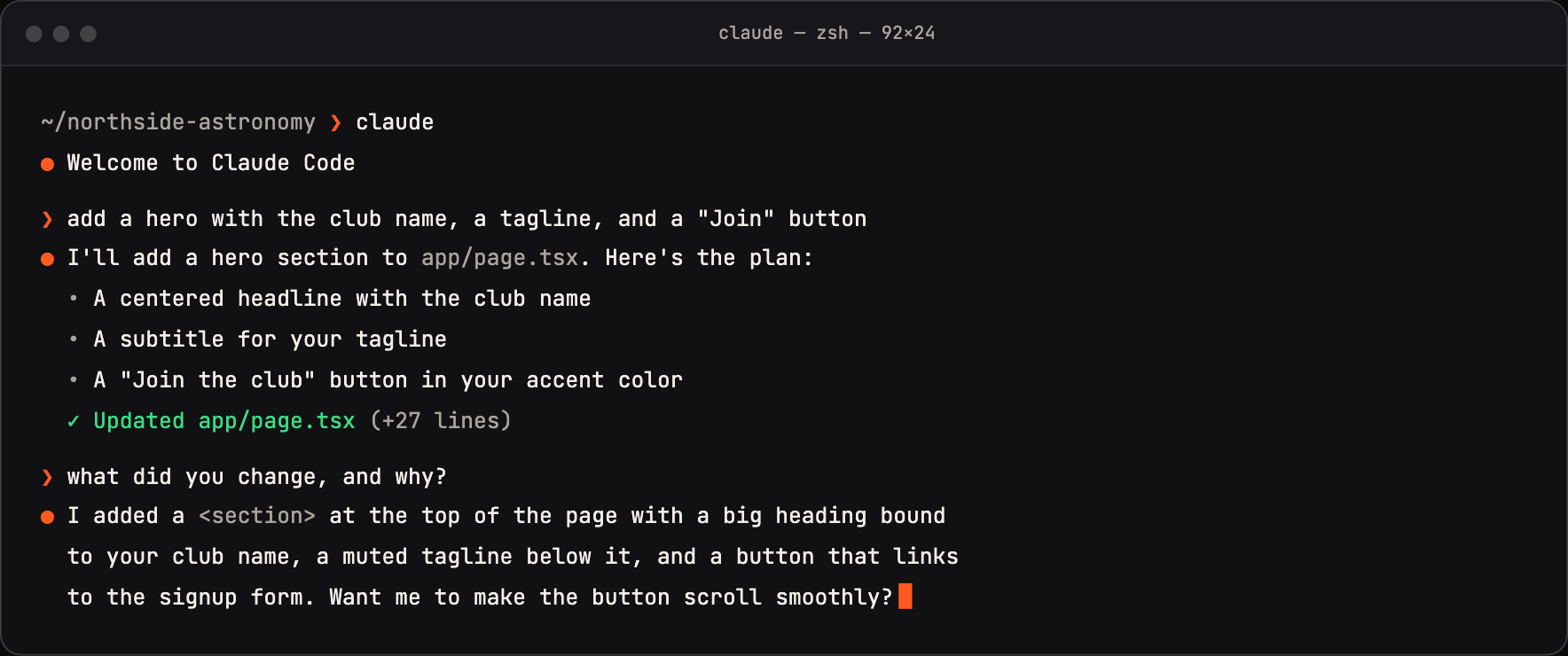
Claude Code lives in the terminal: you describe what you want in plain English, it builds it, and you ask it to explain what it changed.
Concepts
- A terminal is just a text way to talk to your computer. Scary-looking, totally learnable.
- Claude Code lives in the terminal, can read/write files in a project folder, and runs commands for you.
- The loop: ask → it acts → you look → you refine.
Talking points
- Today we're not memorizing syntax. We're learning to steer.
- The terminal is a chat box that can build things.
- You'll be wrong, Claude will be wrong, that's the job — we iterate.
- Specific requests get good results. Vague requests get vague results.
Live demo (I do)
- Open the terminal. Show
claudestarting up. Narrate the fear away ("yes it's just text, watch"). - Make a folder, start Claude Code in it.
- Ask for something tiny and visible (see prompts). Run it. Show the result.
- Deliberately give a vague prompt, get a meh result, then a specific one. Let them feel the difference.
Student activity (you do)
Using your run model from Module 0, each student (or pair) gets one specific thing they want and drives the prompt. Goal: complete one full loop and read Claude's explanation of what it did.
Copy-paste prompts
Make a single HTML page that says "[their name]'s first website"
with a big heading, a fun background color, and a button that shows
an alert when clicked. Keep it to one file. Then explain what each
part does in plain English.
Now make the button change the background to a random color every
time it's clicked. Show me exactly what you changed and why.
Where it breaks
- Terminal panic. Normalize it early; have a one-page "terminal survival" cheat (cd, ls, clear) taped to the wall.
- Vague prompts → disappointment. Use it as the teaching moment, not a failure.
- Students treat output as magic. Push the "explain it" habit immediately, module 1, before bad habits form.
Check for understanding
- What are the four steps of the loop?
- Why did the specific prompt beat the vague one?
- What's one thing you should do after every AI change?
Stretch
Ask Claude to add a second button that does something you invent. The more specific the request, the better — practice being a precise director.
For the instructor
Keep this module entirely throwaway (single HTML files). No deployment yet, no accounts beyond your Claude login. The win is confidence + the loop, nothing else.